
Service
Packaging Mockups
Make your packaging real before it is.
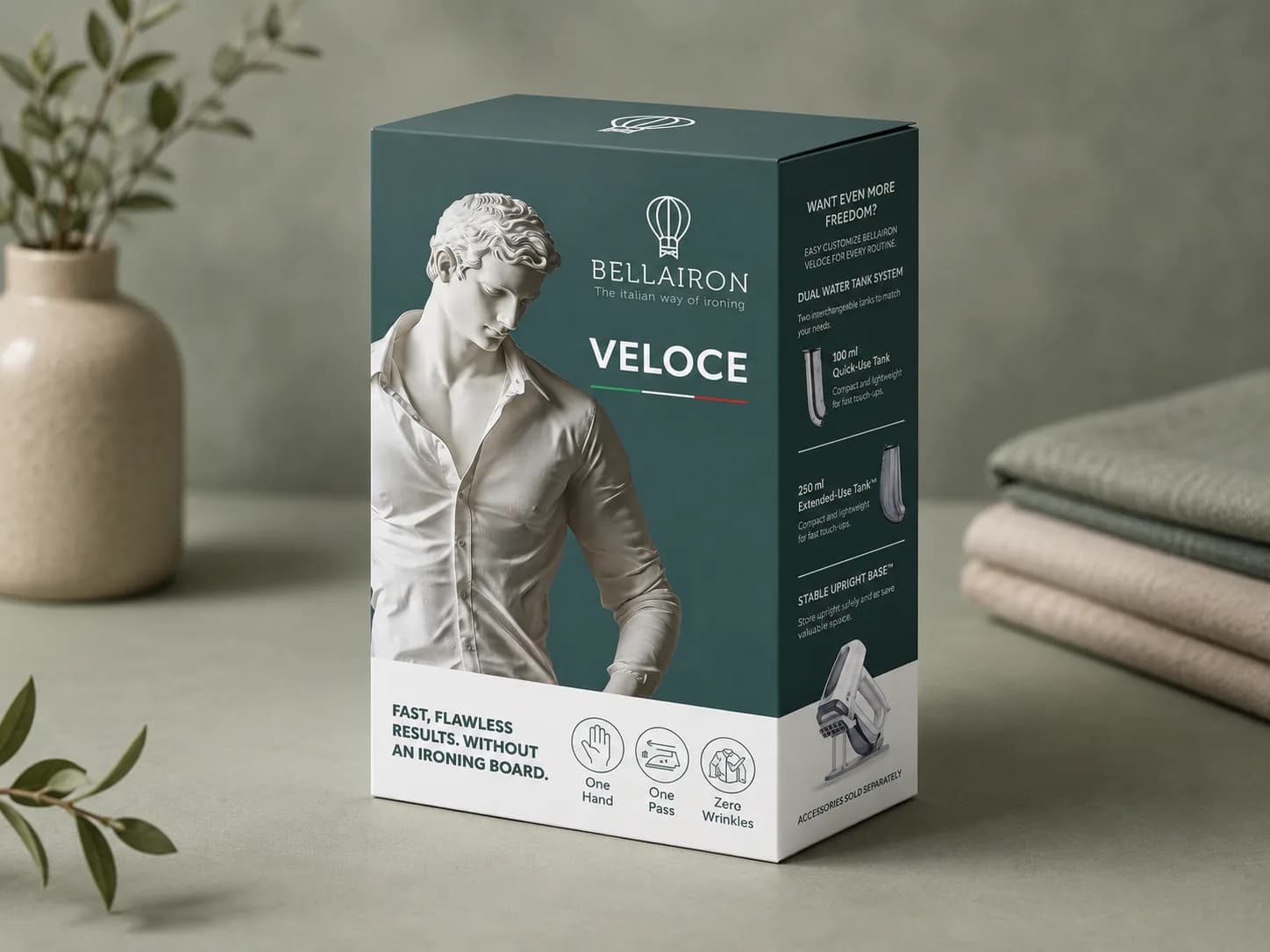
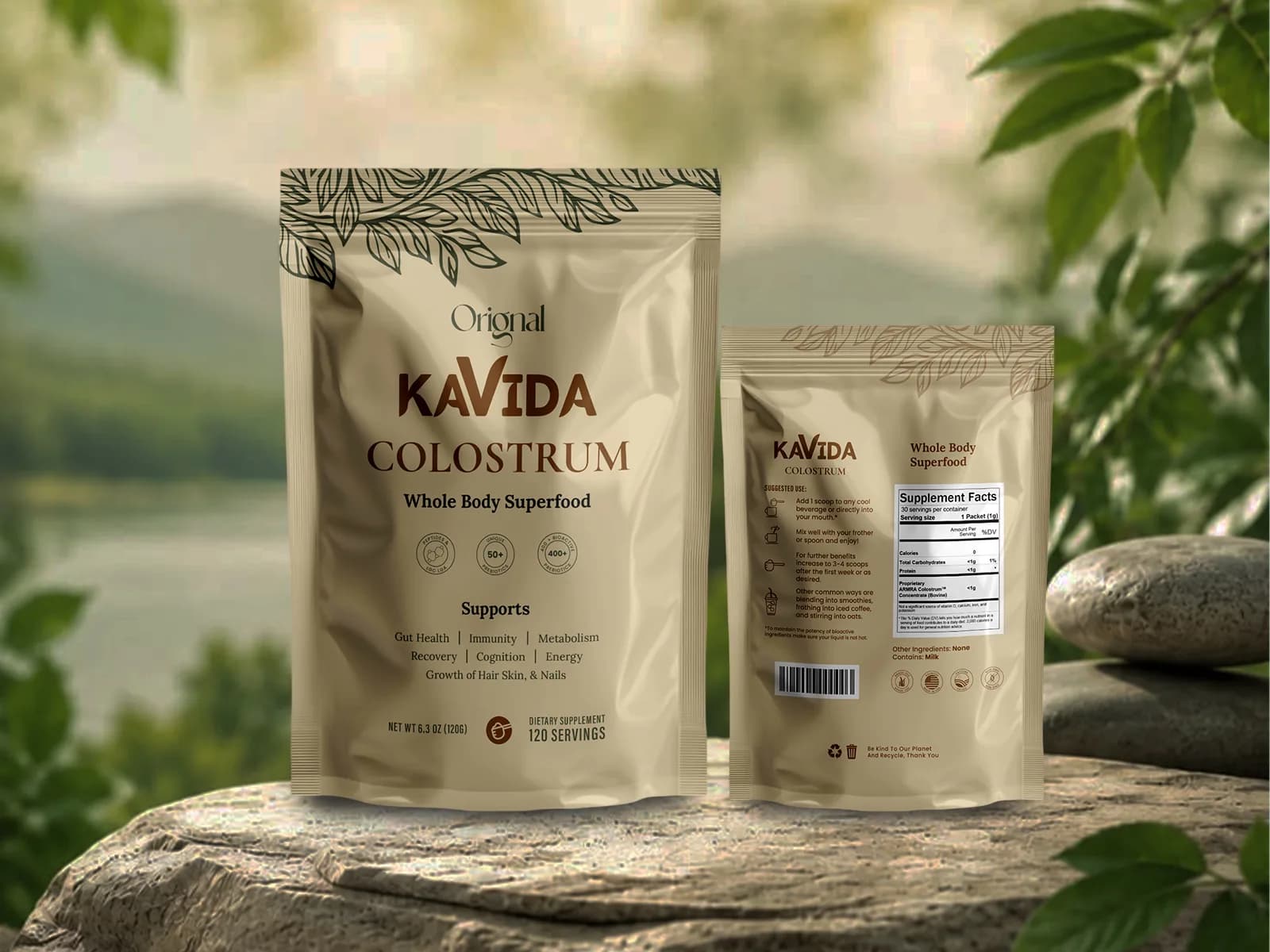
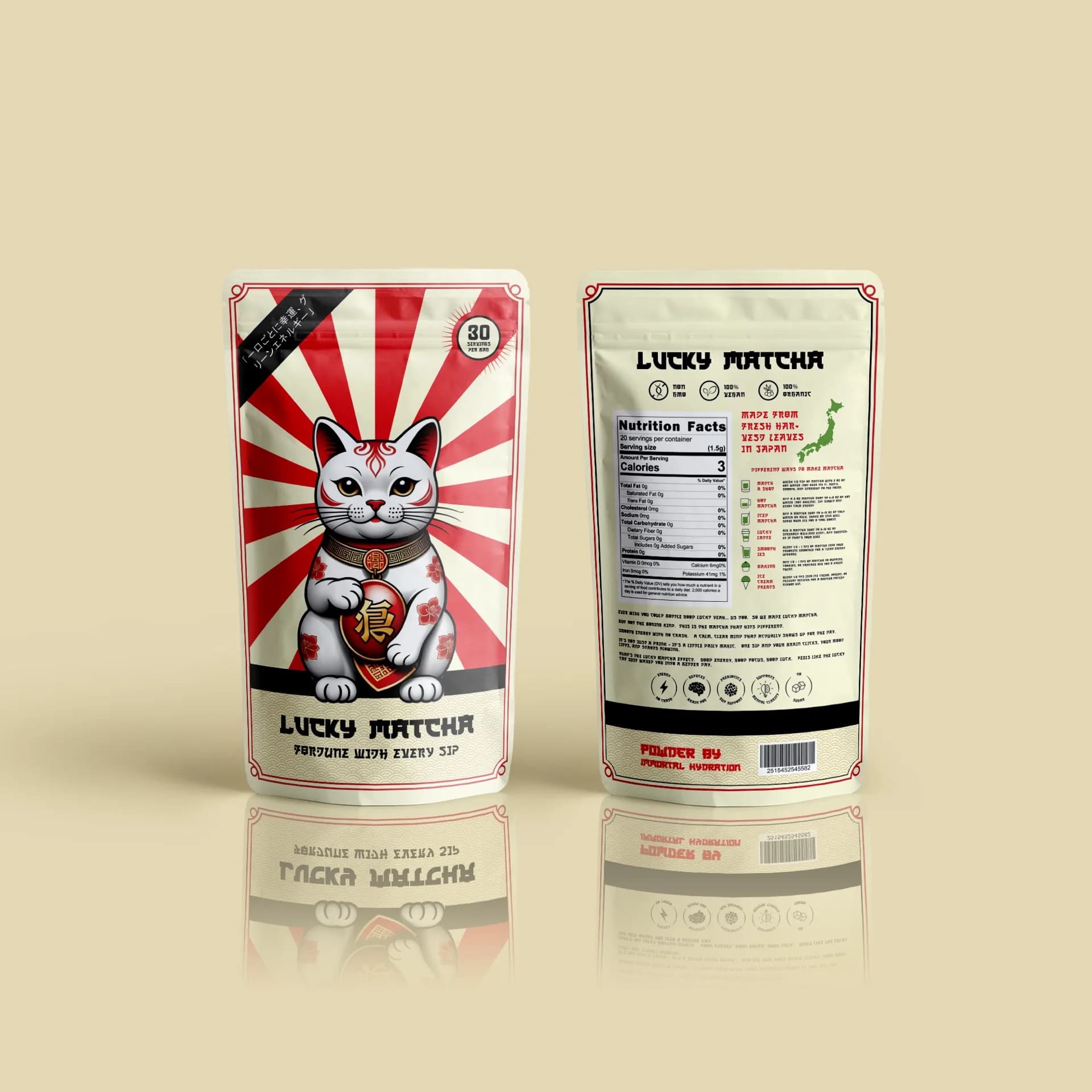
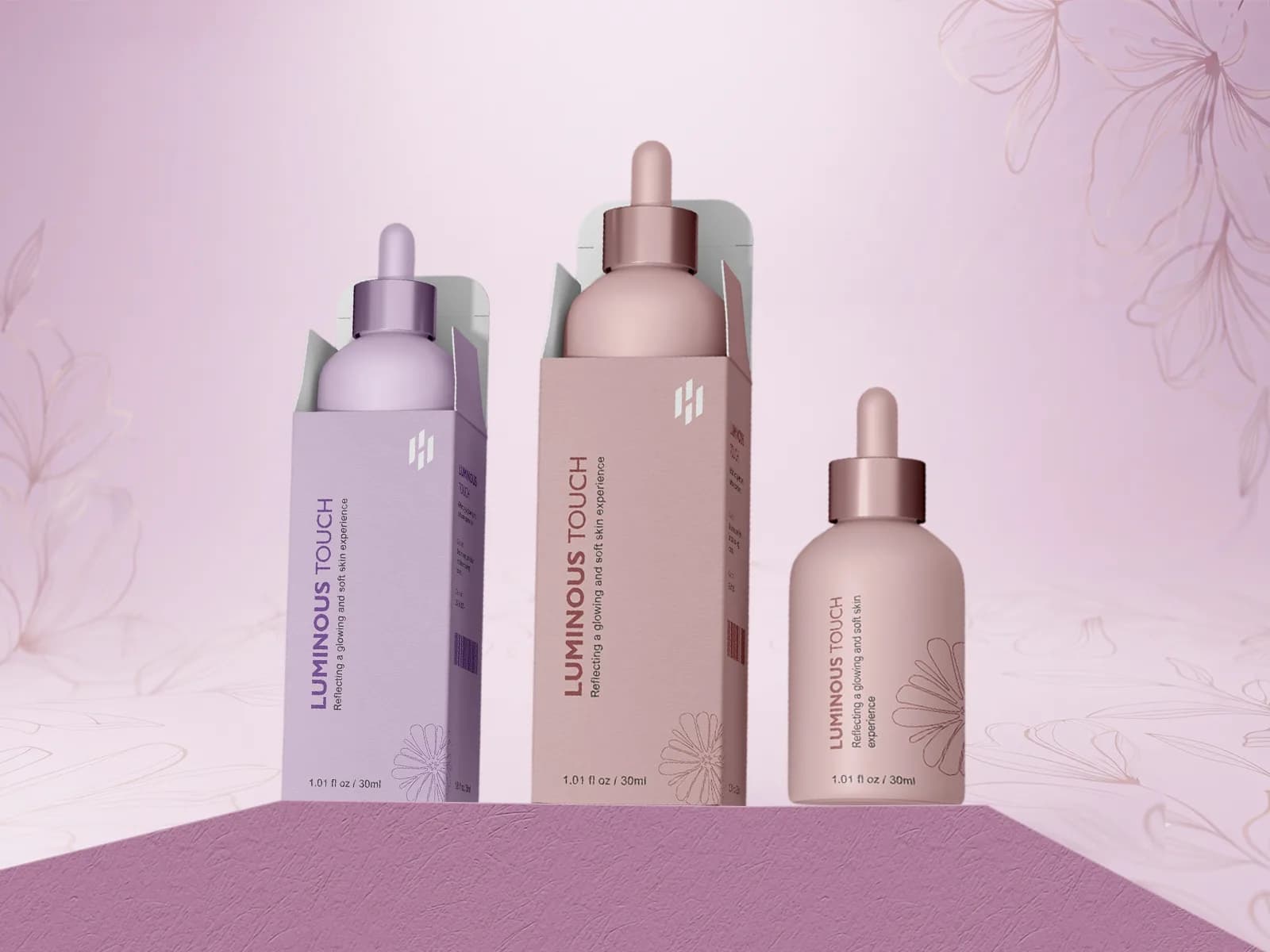
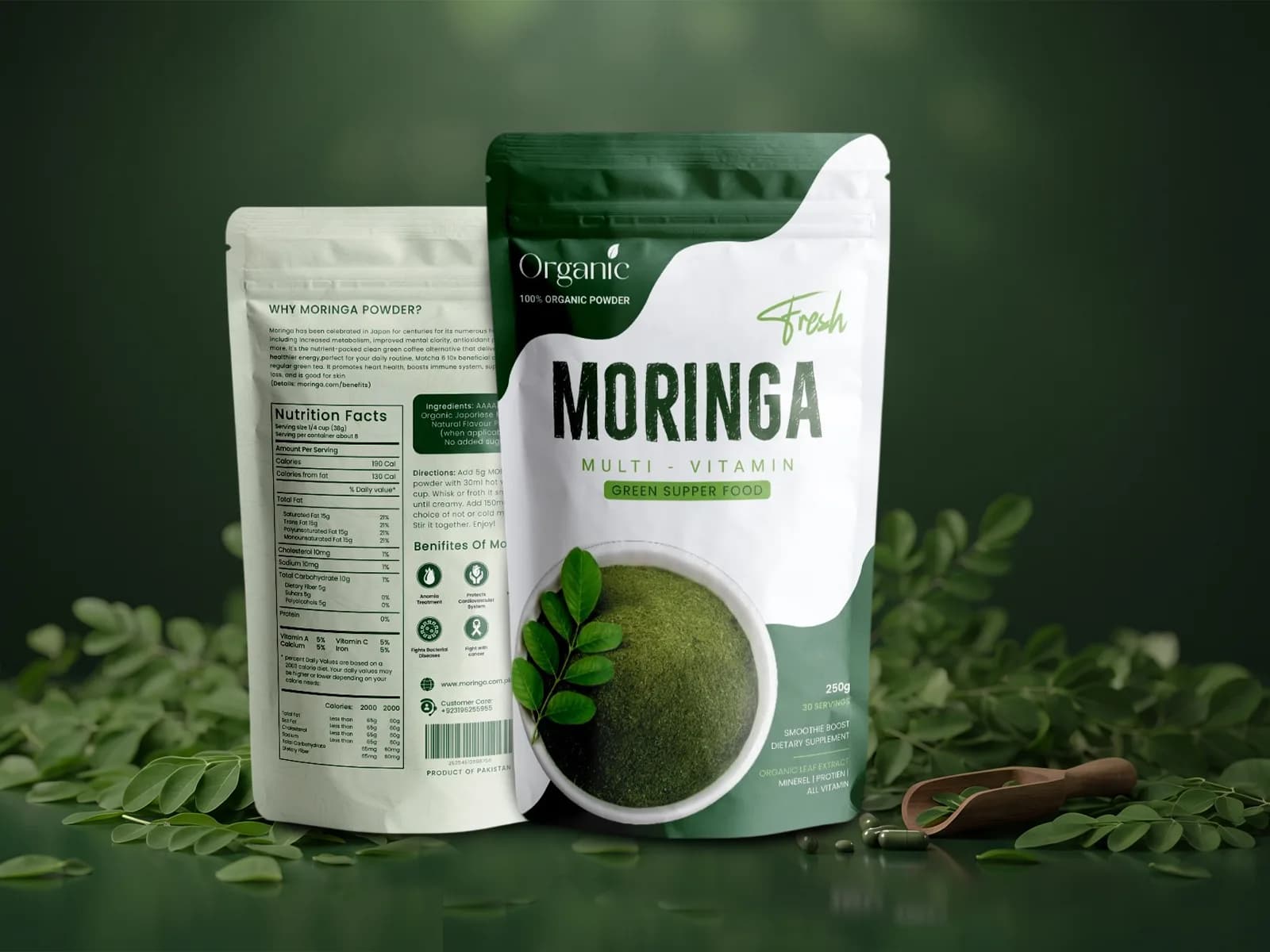
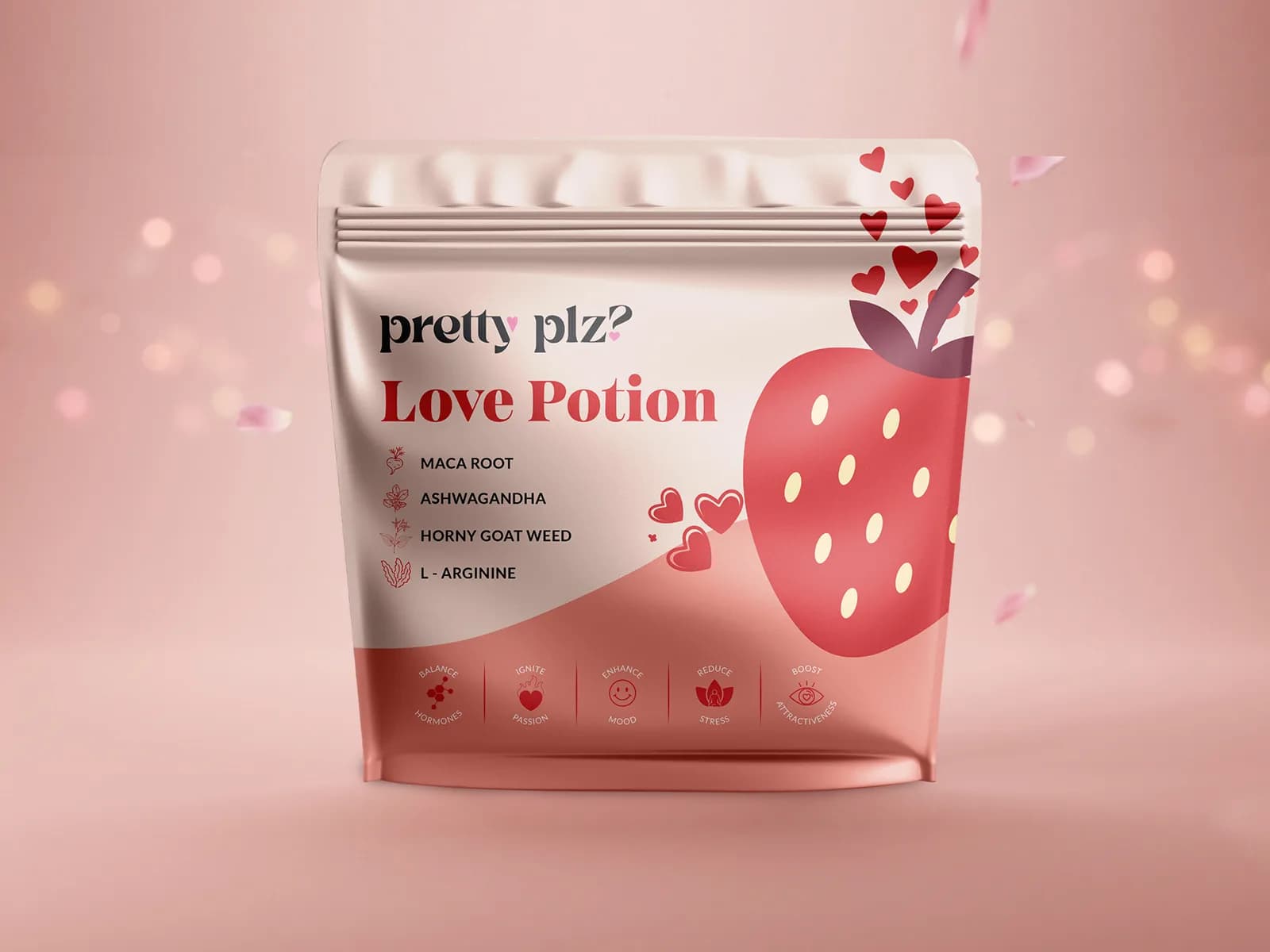
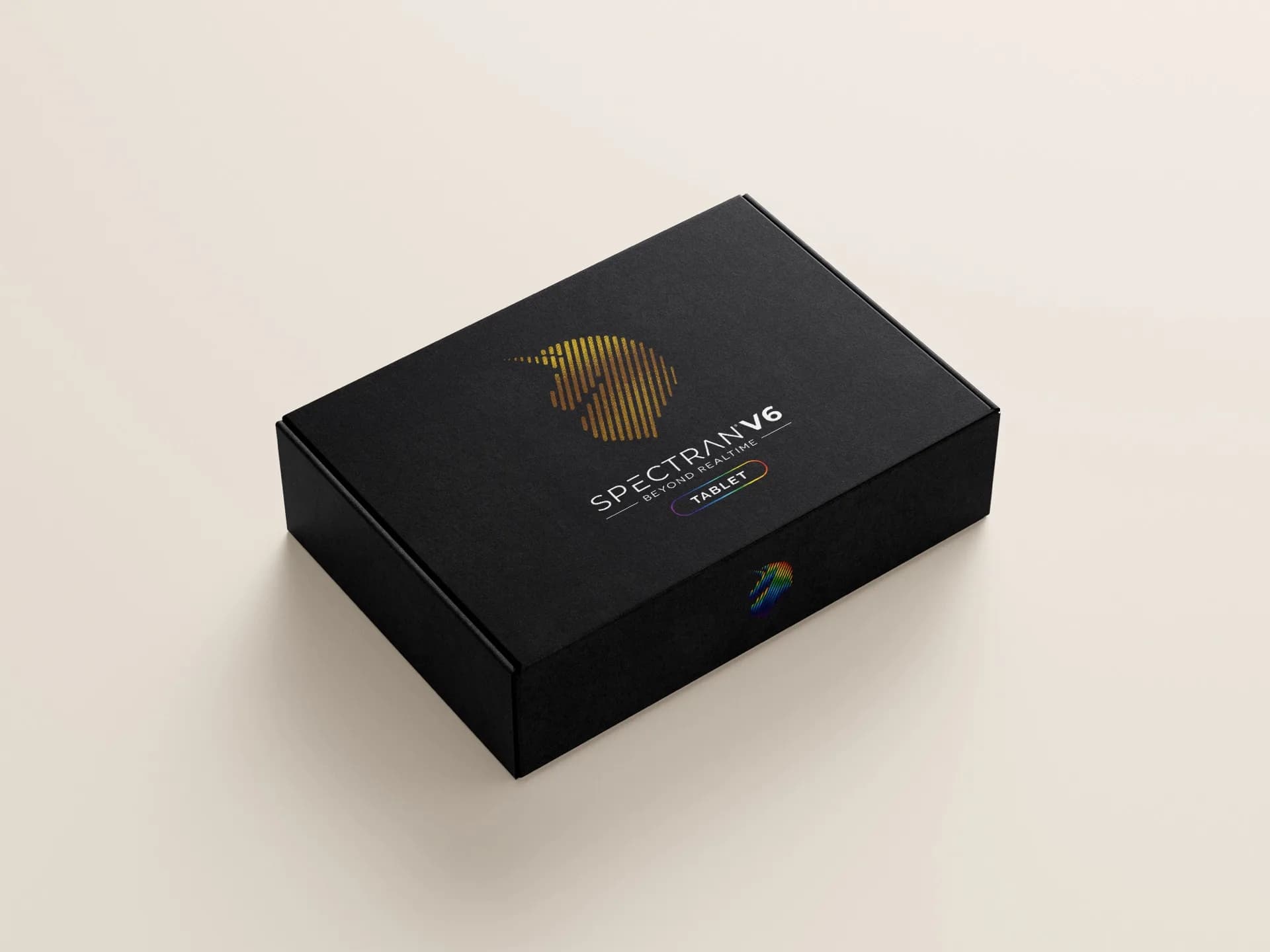
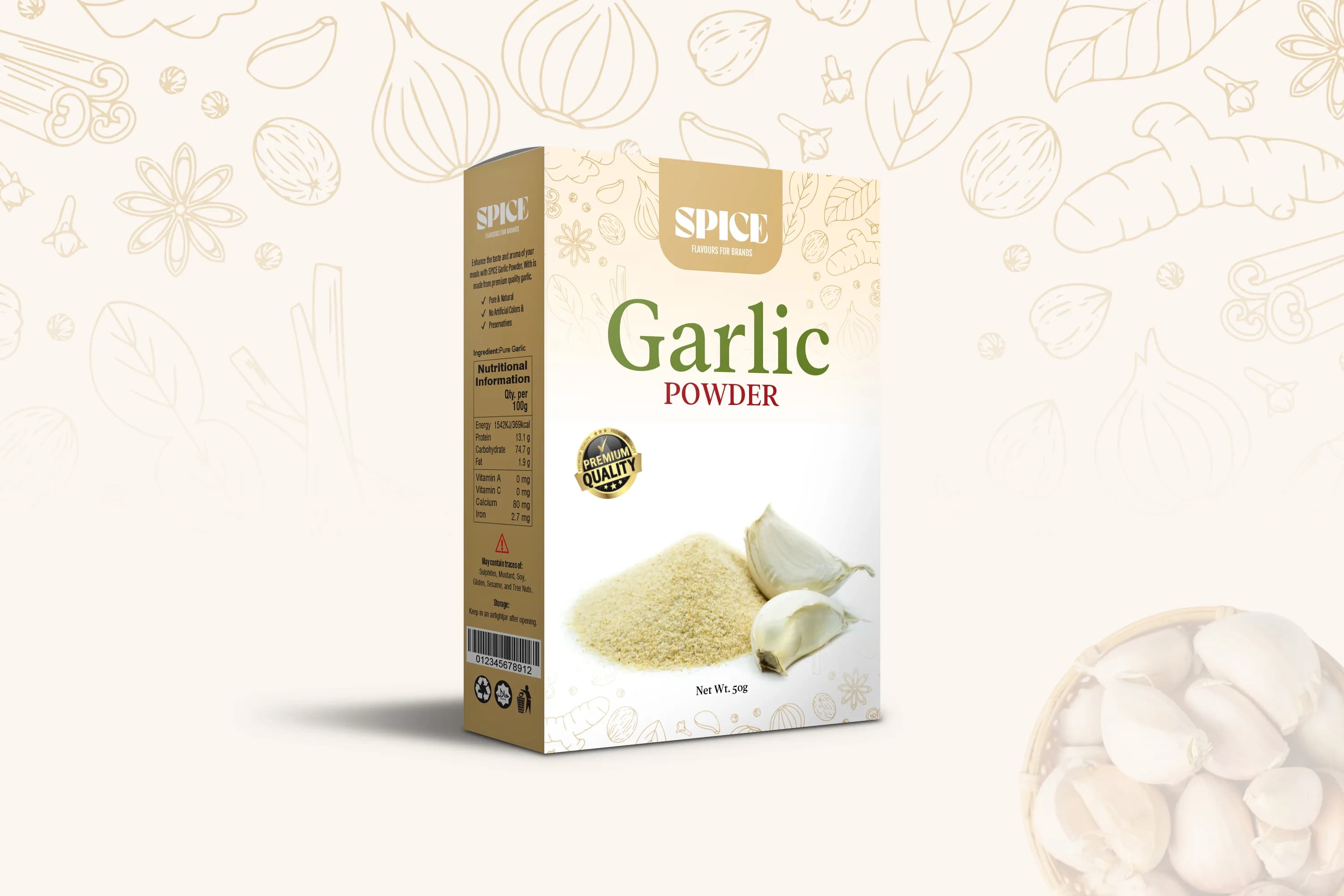
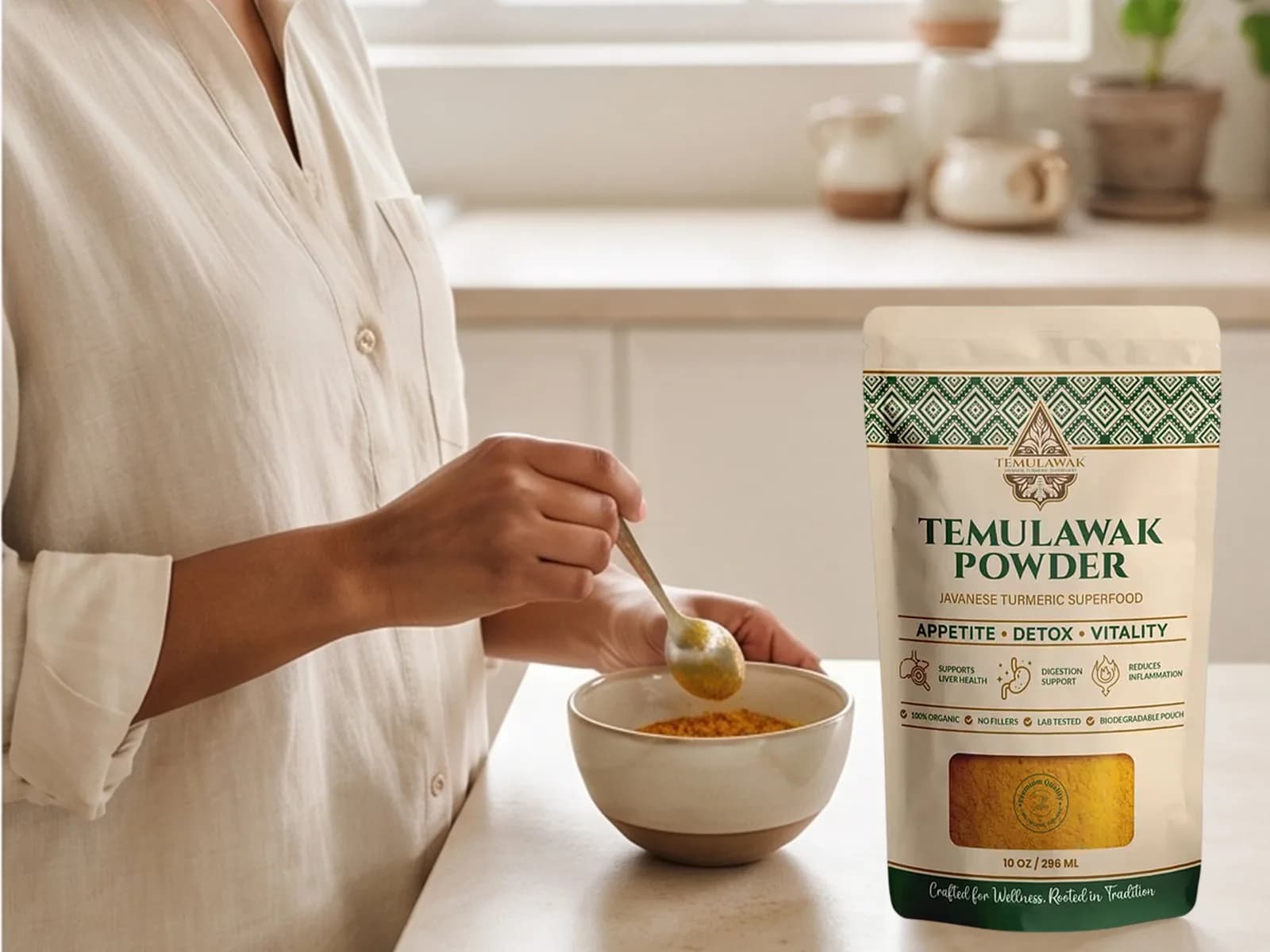
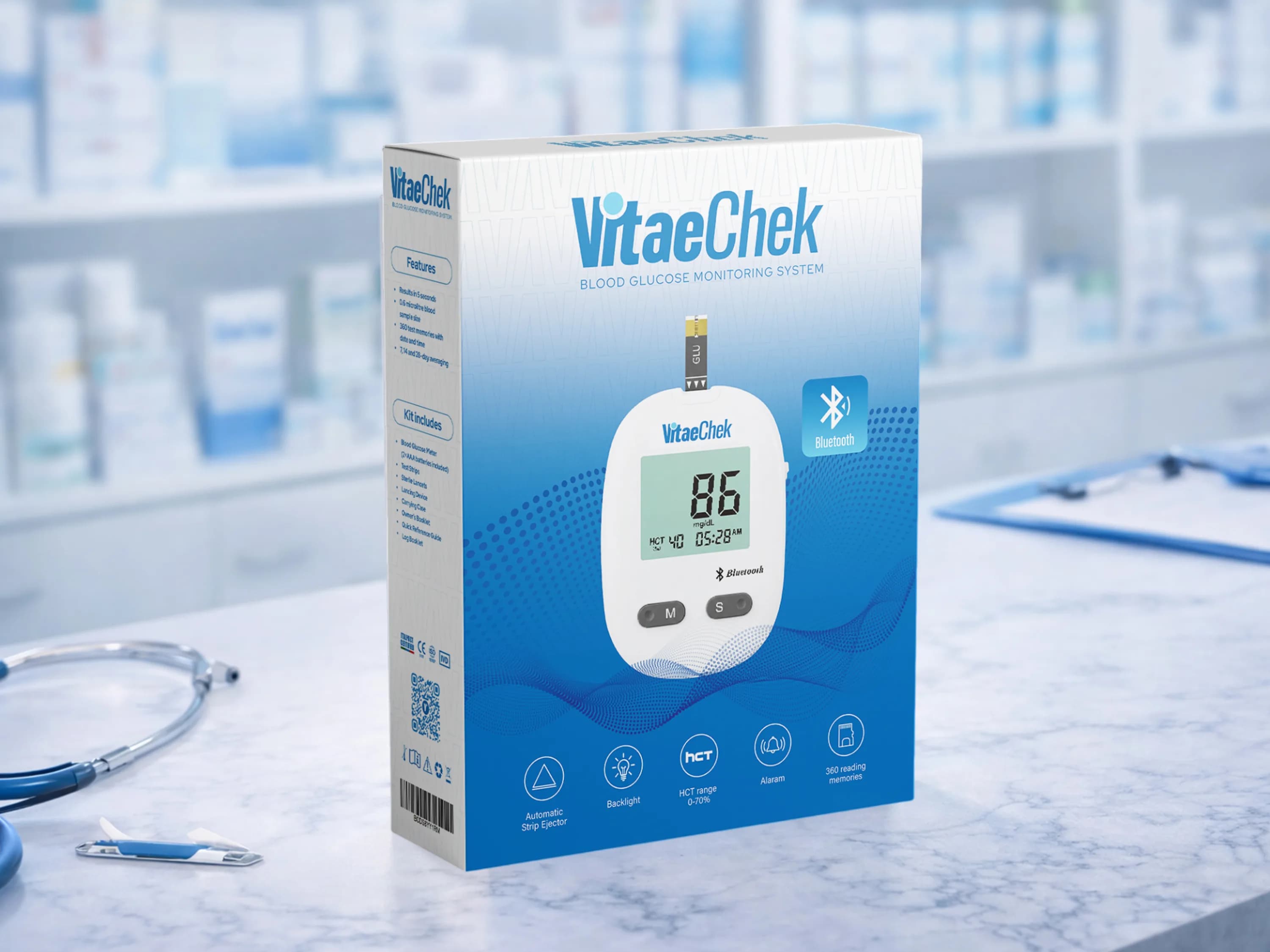
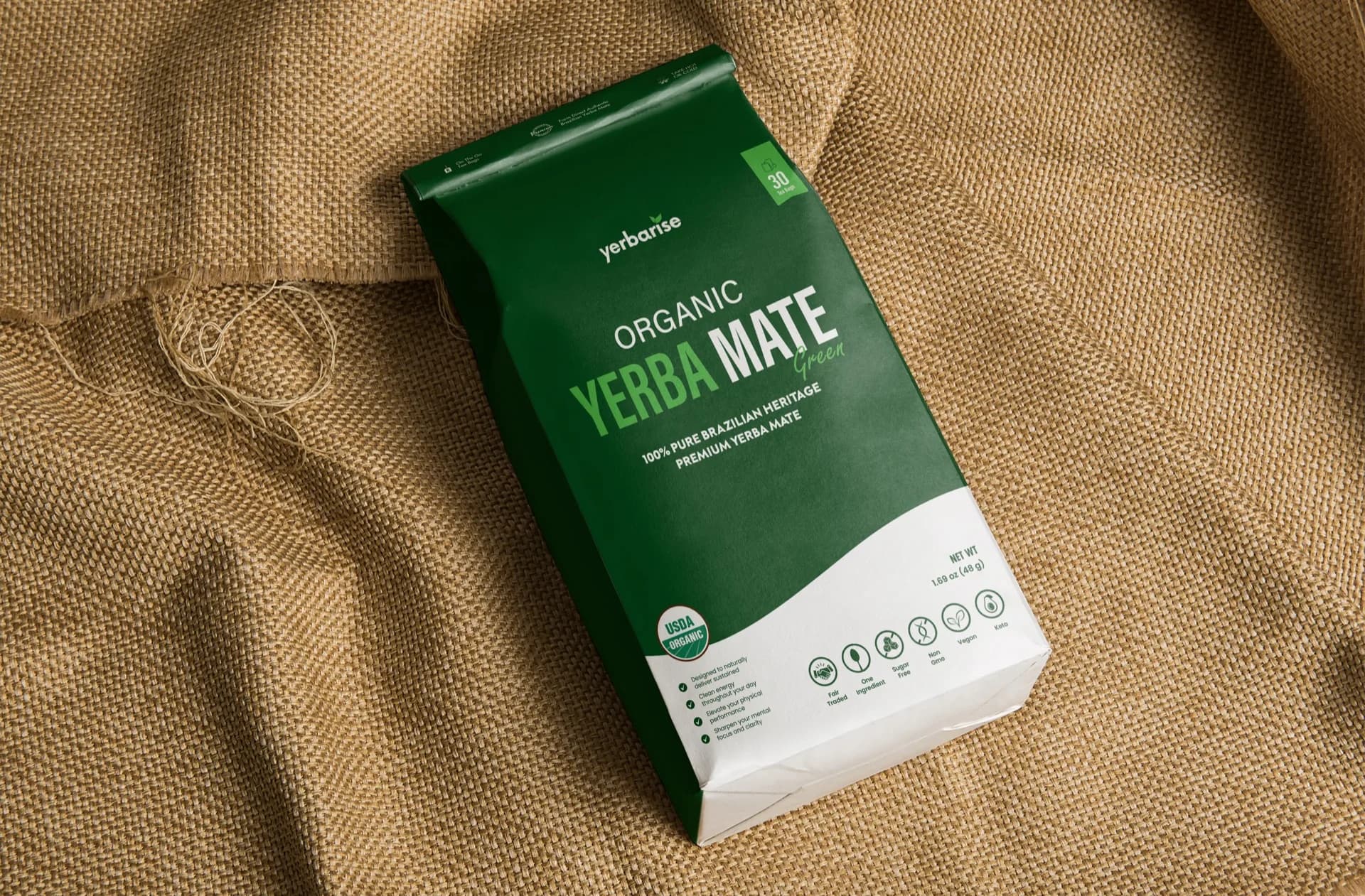
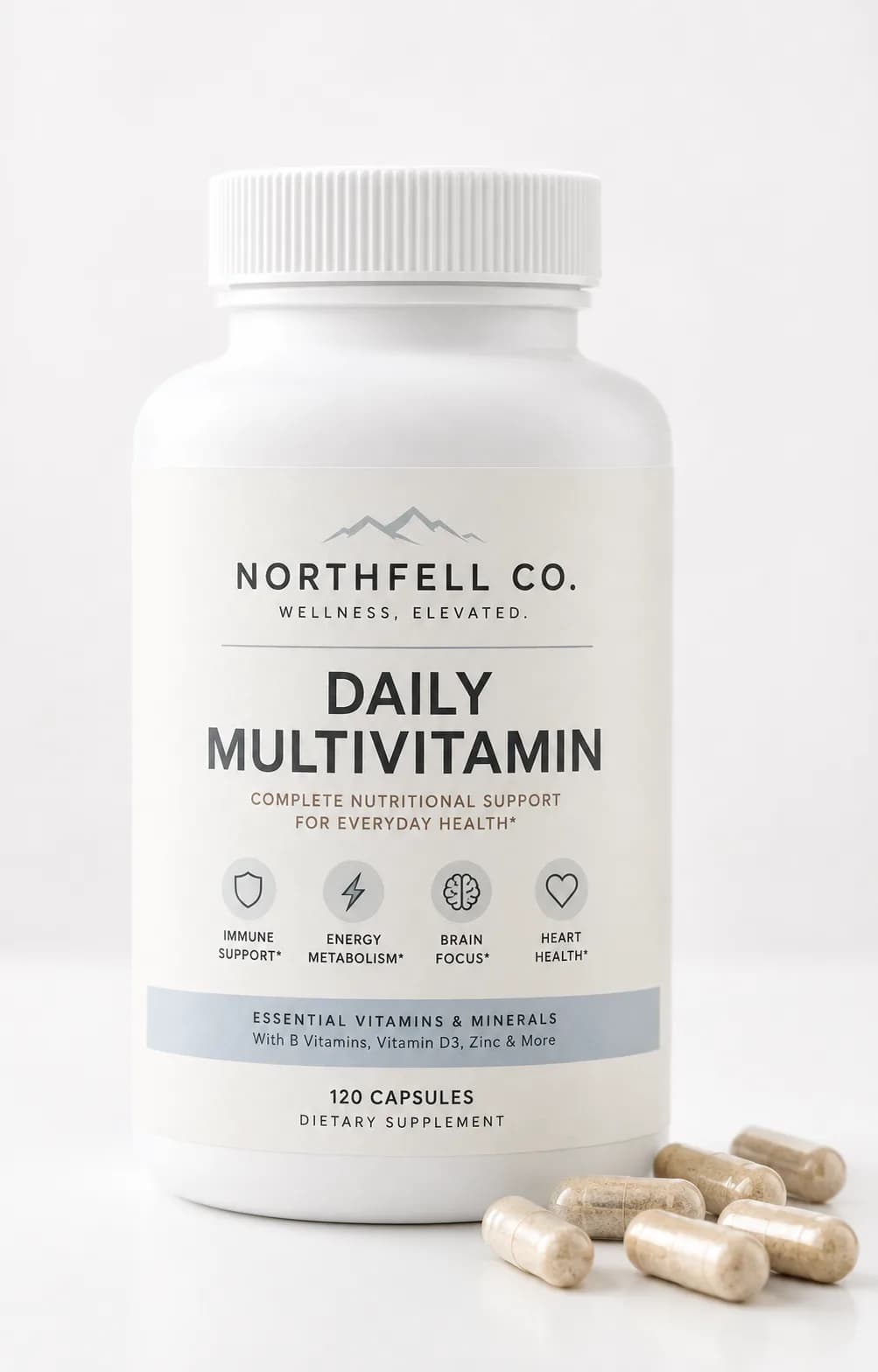
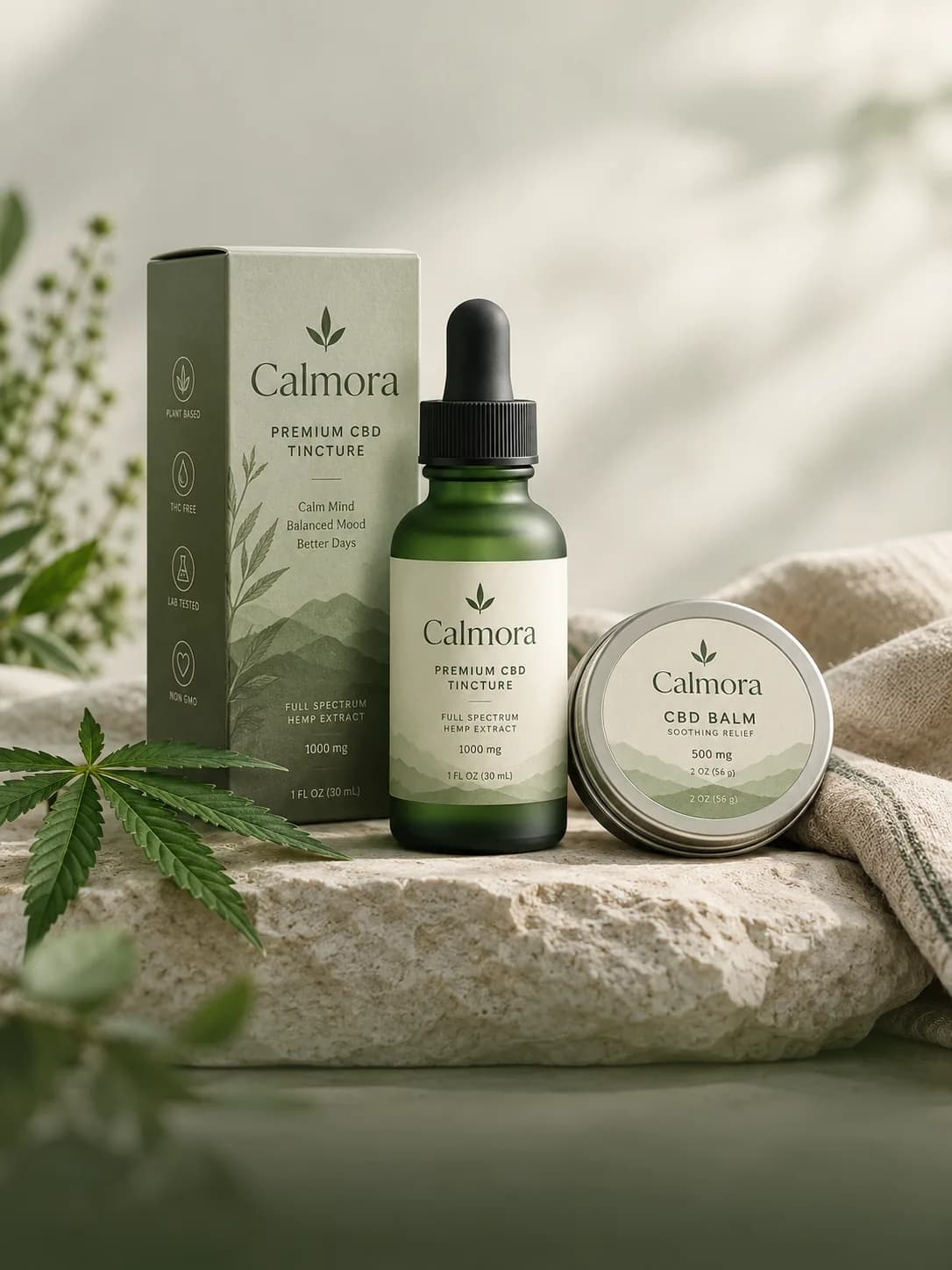
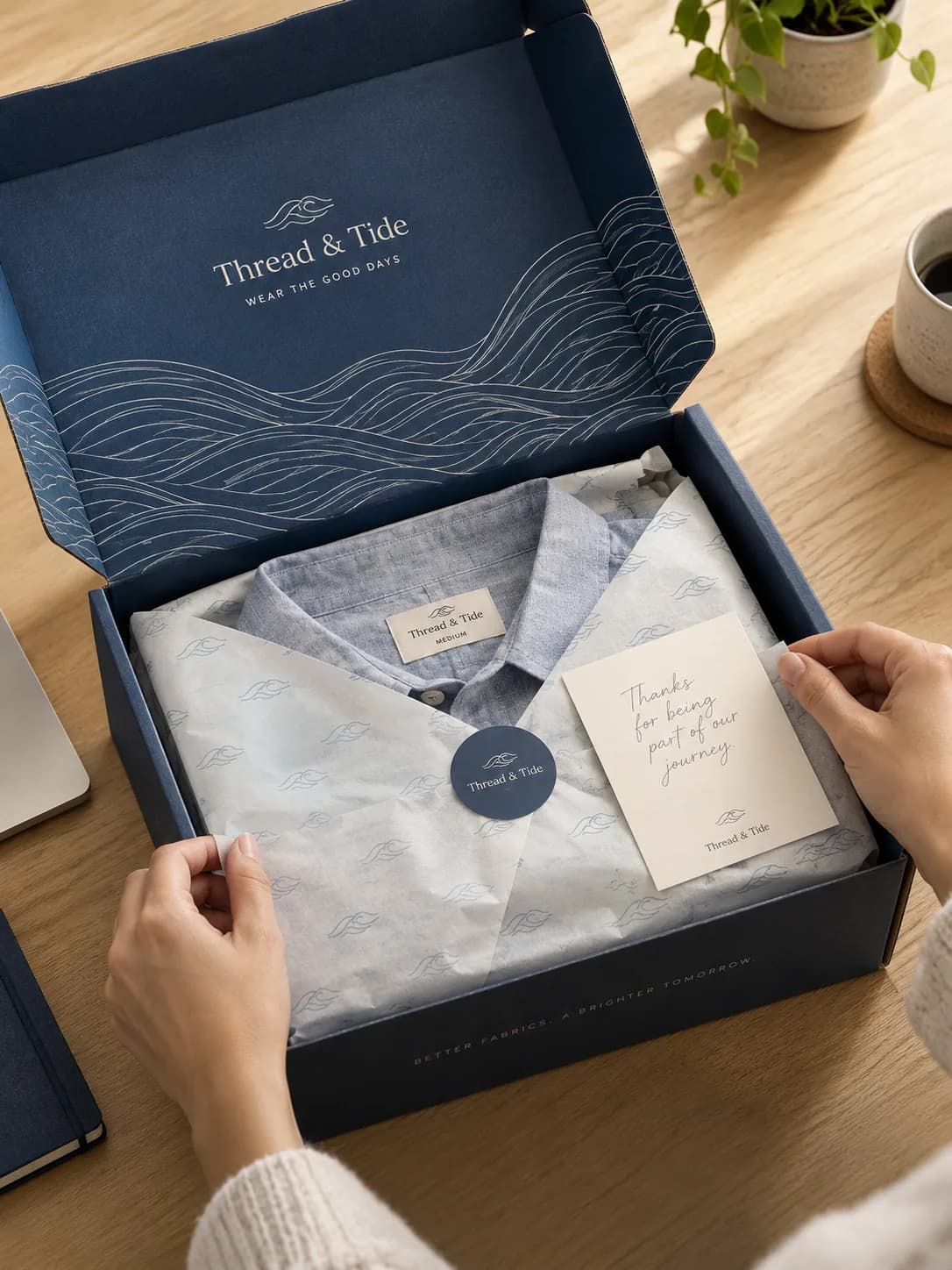
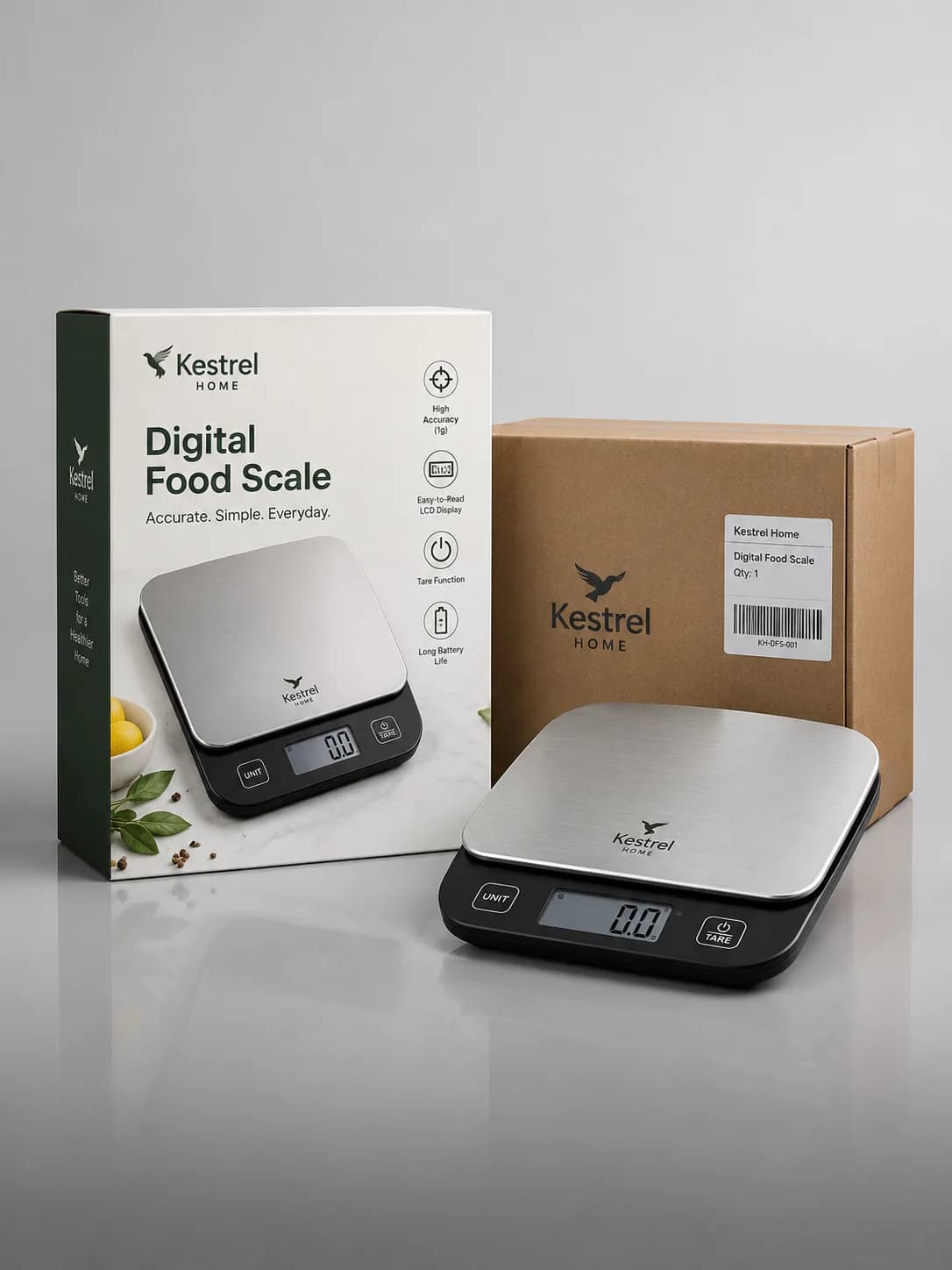
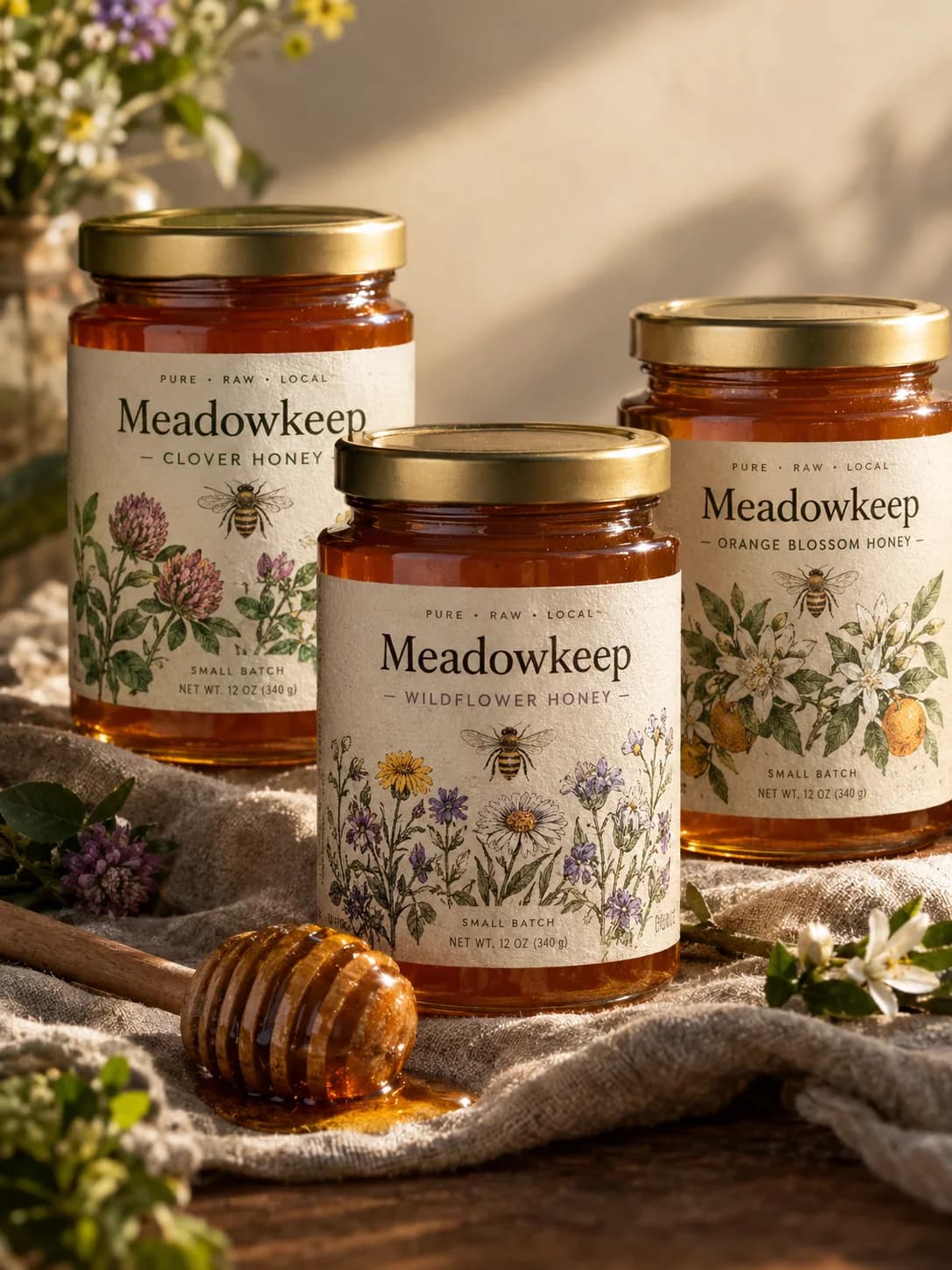
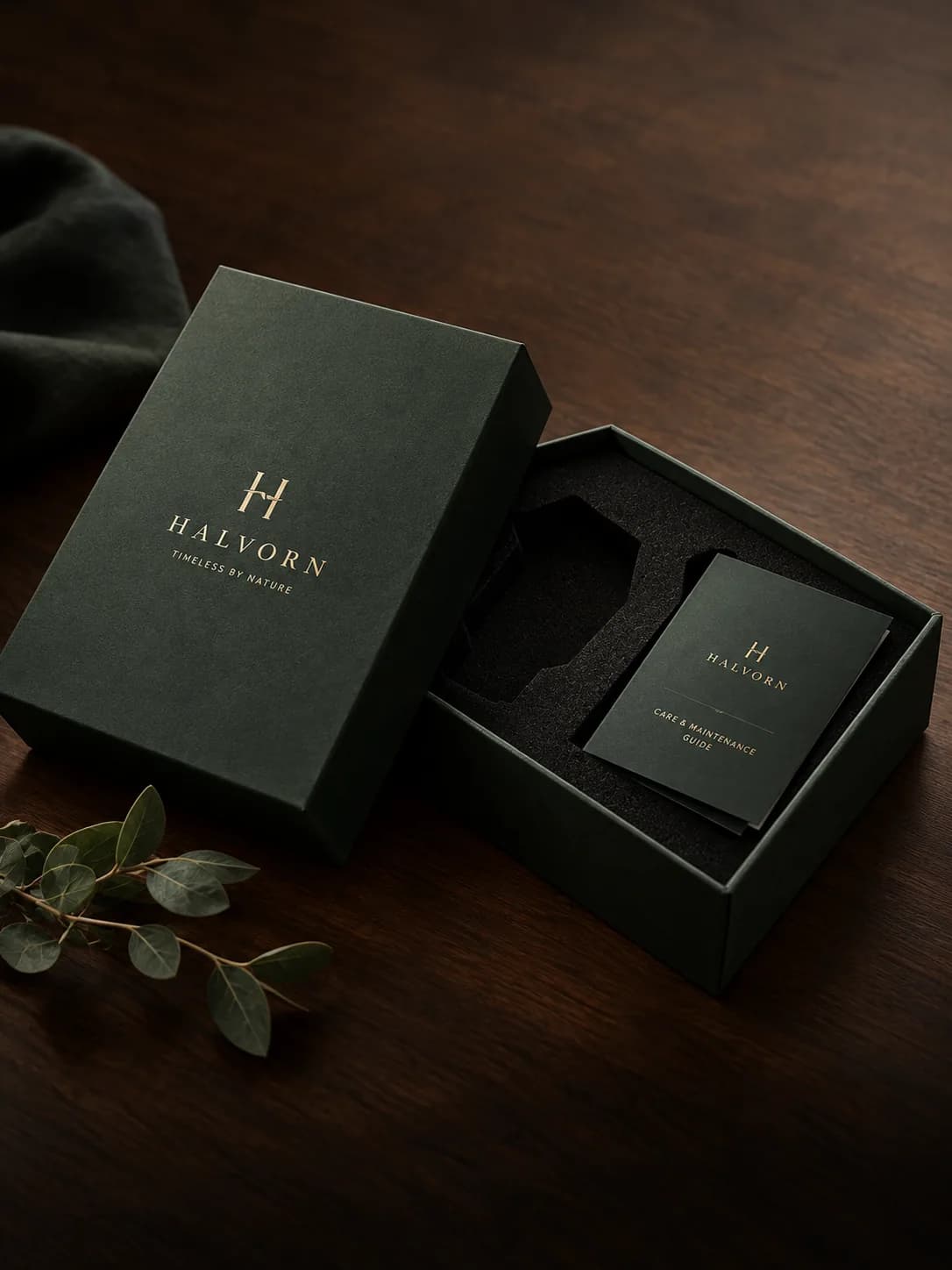
Photorealistic 3D packaging mockups let you present your product to buyers, investors, and customers before a single unit is printed. We create studio-quality renders that are indistinguishable from product photography.
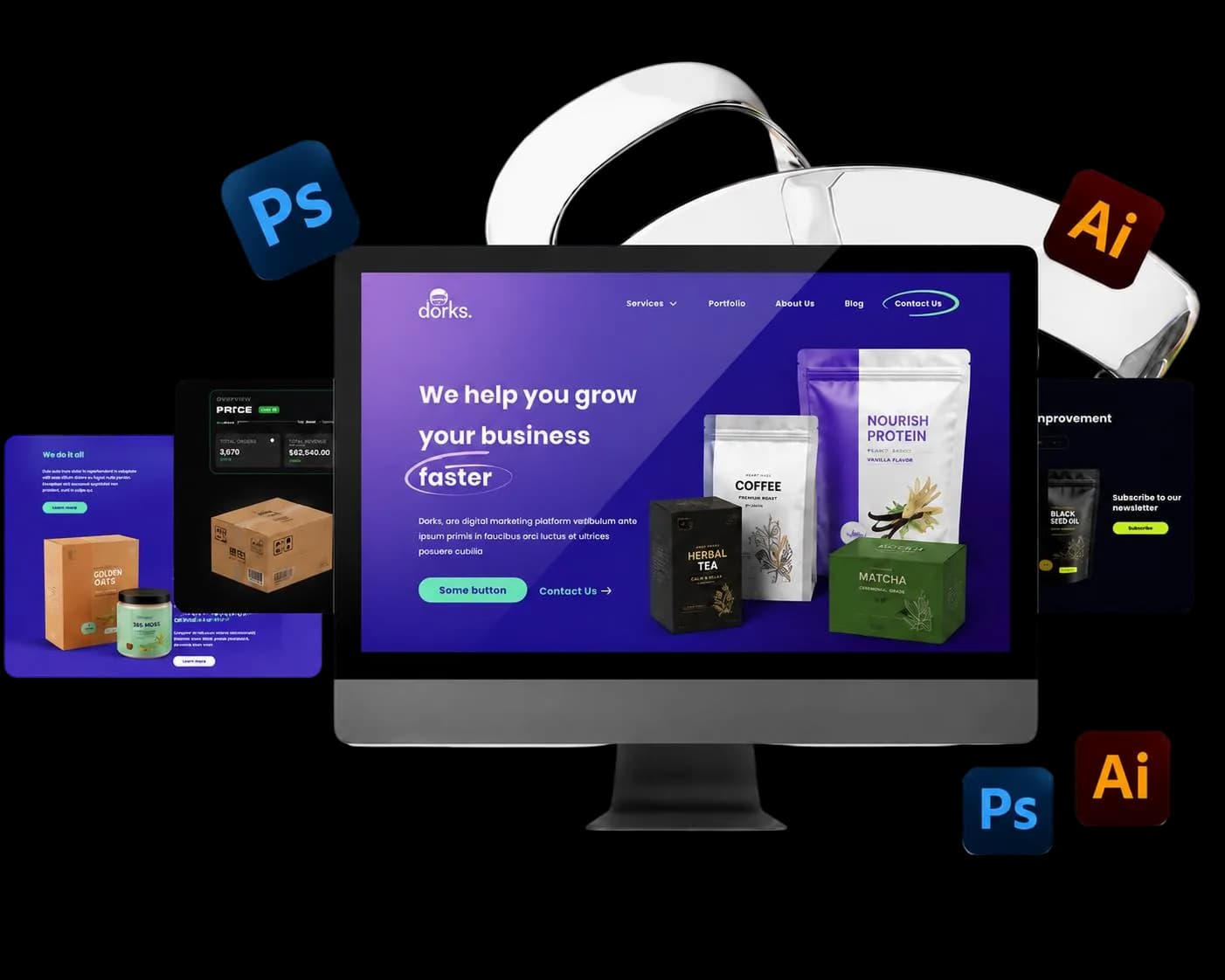
Quick Answer
Packaging mockups create photorealistic 3D renders of your packaging design — showing how finished products will look on shelf, in lifestyle contexts, or as Amazon main images before a print run is committed.
What's Included
Everything delivered, as standard
Every Packaging Mockups project includes these deliverables — no extras, no upsells, no surprises.
Packaging expertise across
7 product categories
Ecommerce Brands
Retail Brands
Startups & Kickstarter
Investor Presentations
Marketing Agencies
Food & Beverage
Cosmetics
Packaging Mockups
Make your packaging real before it is.
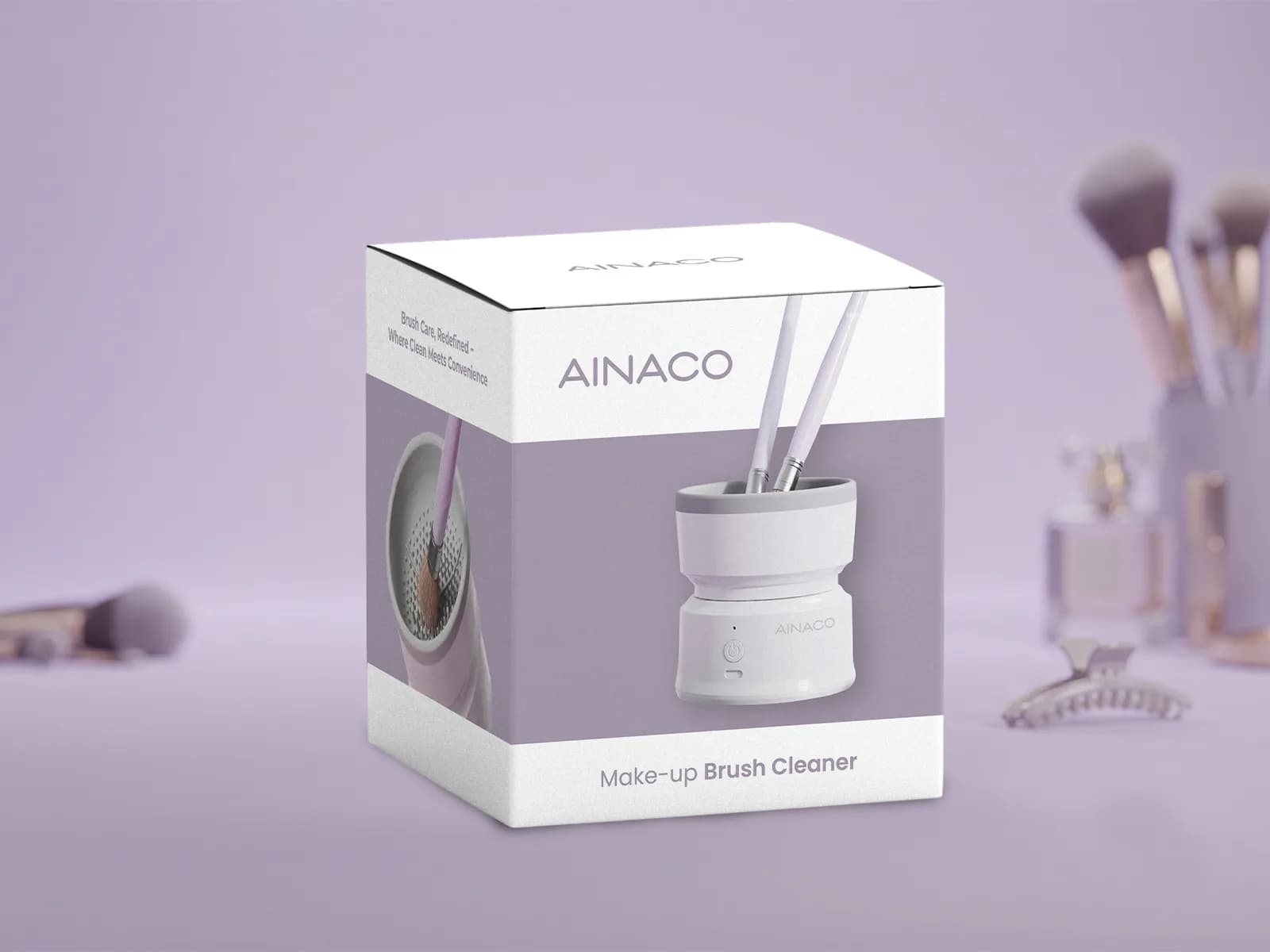
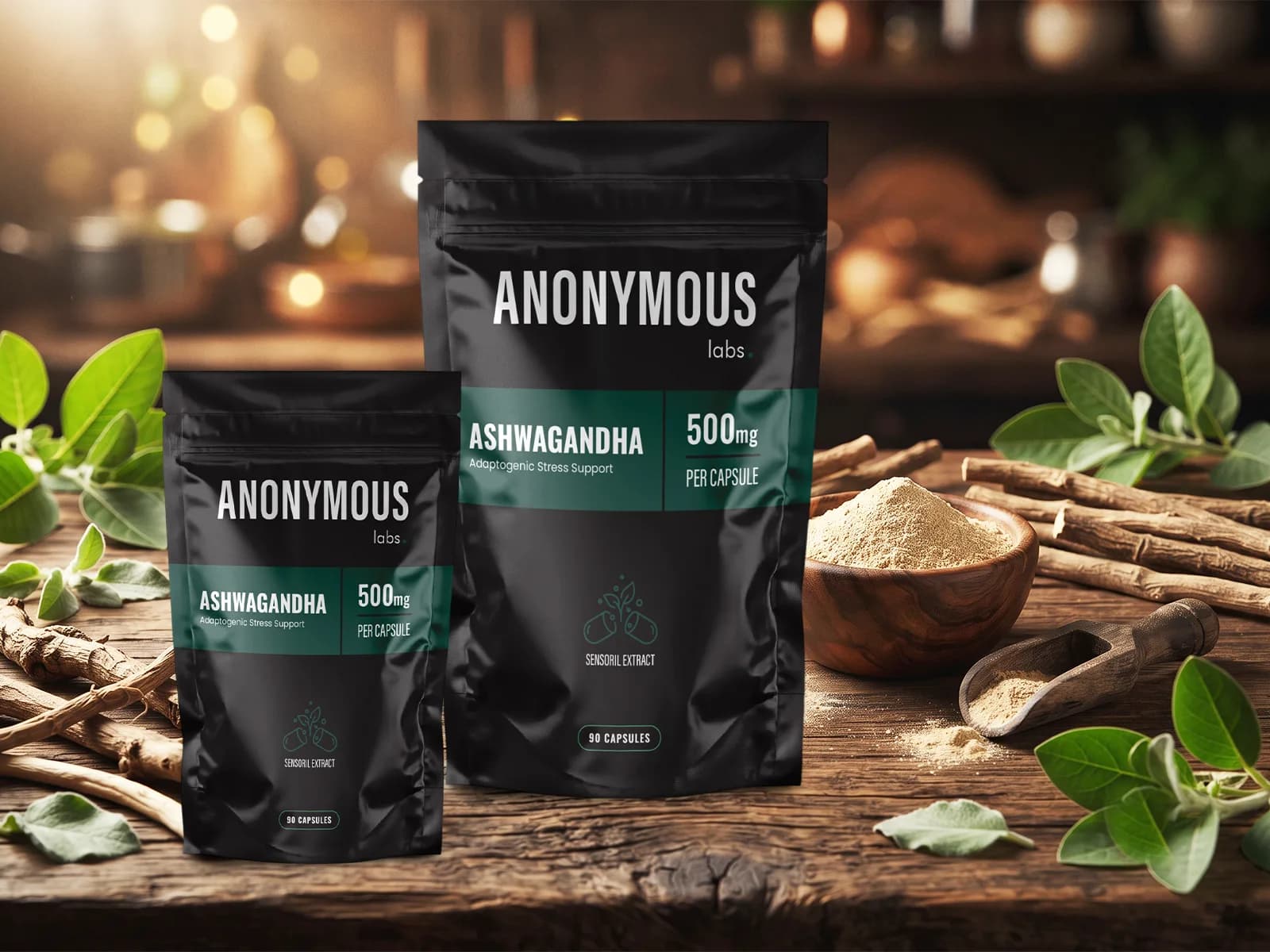
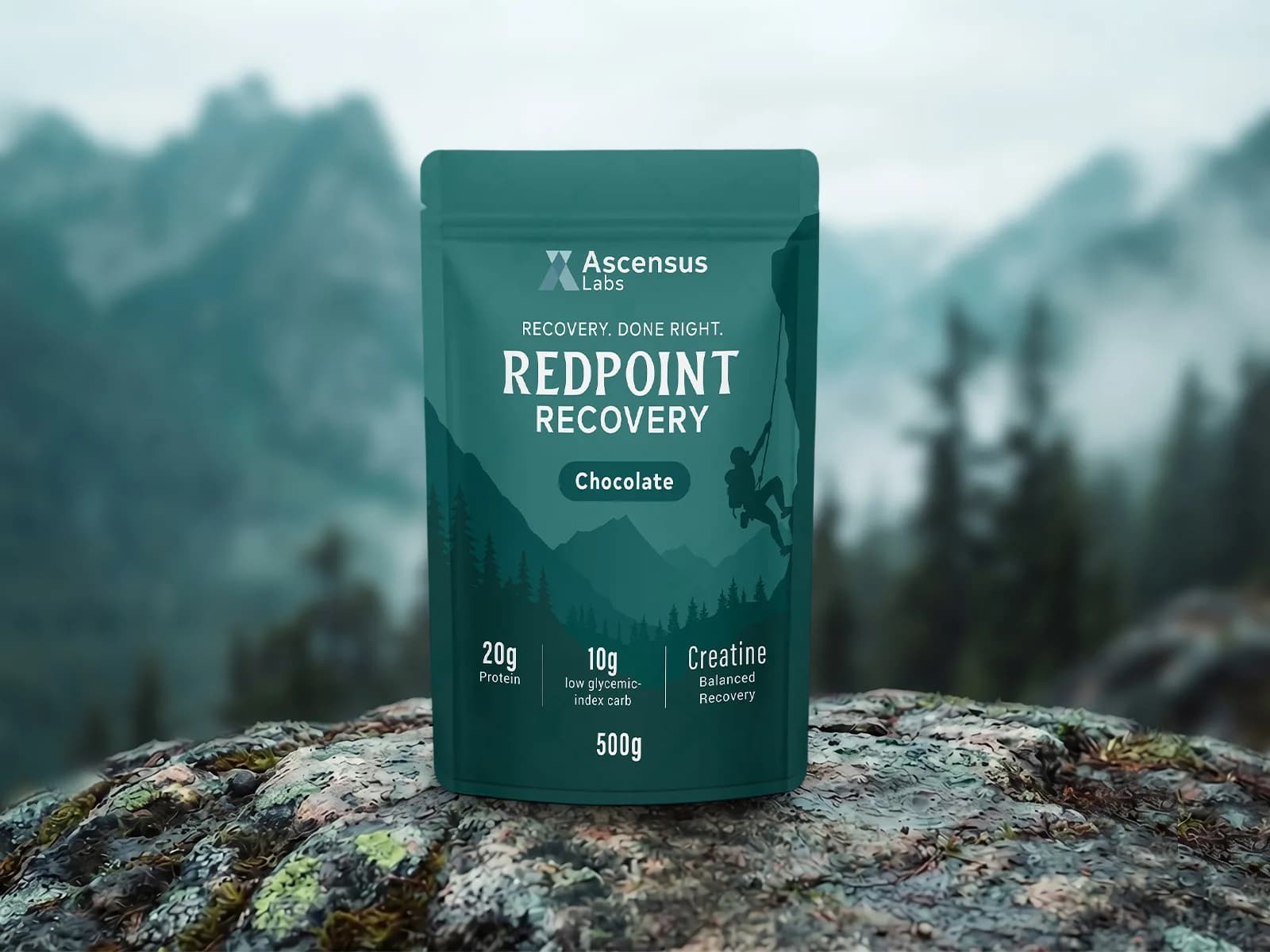

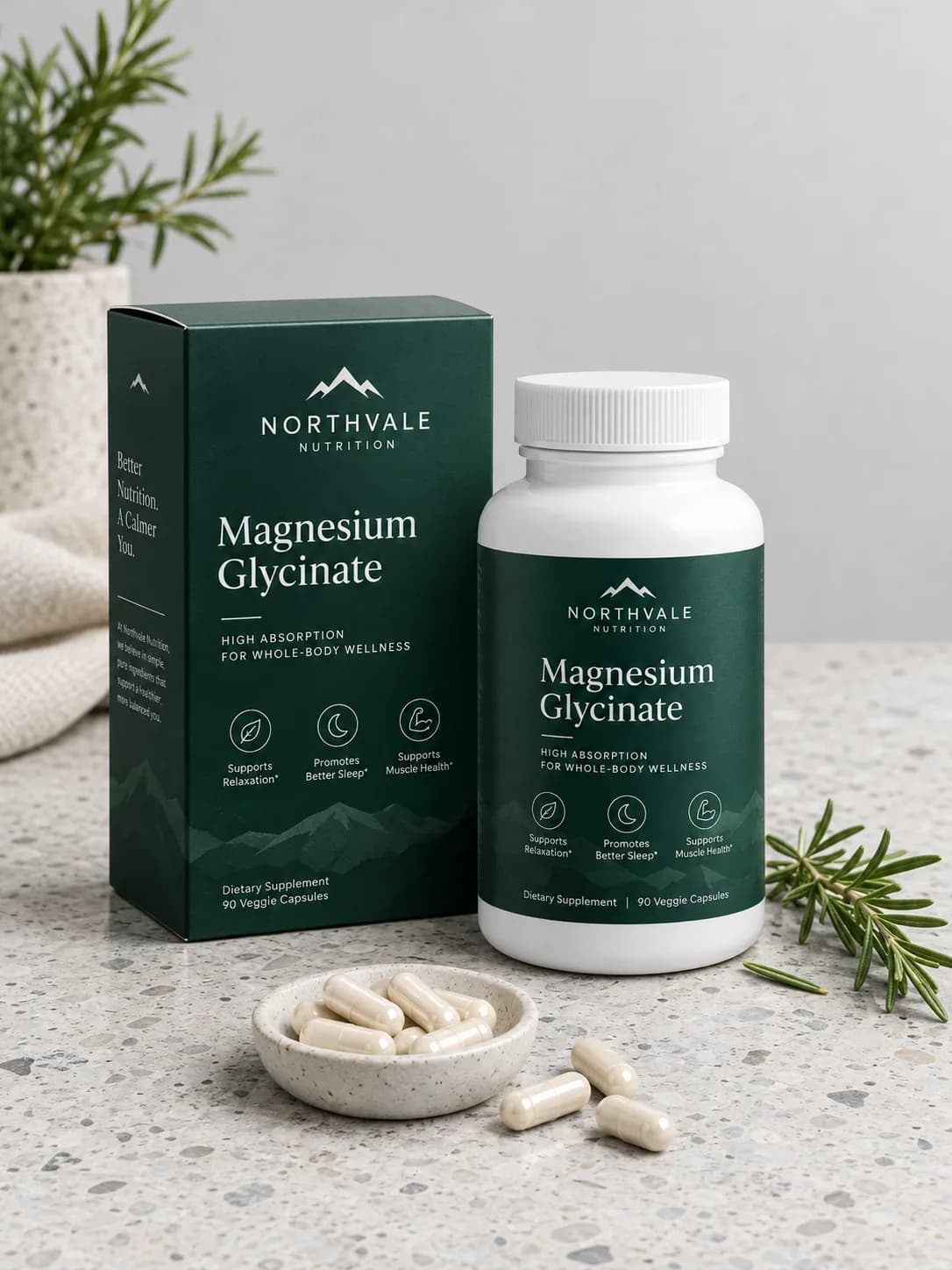
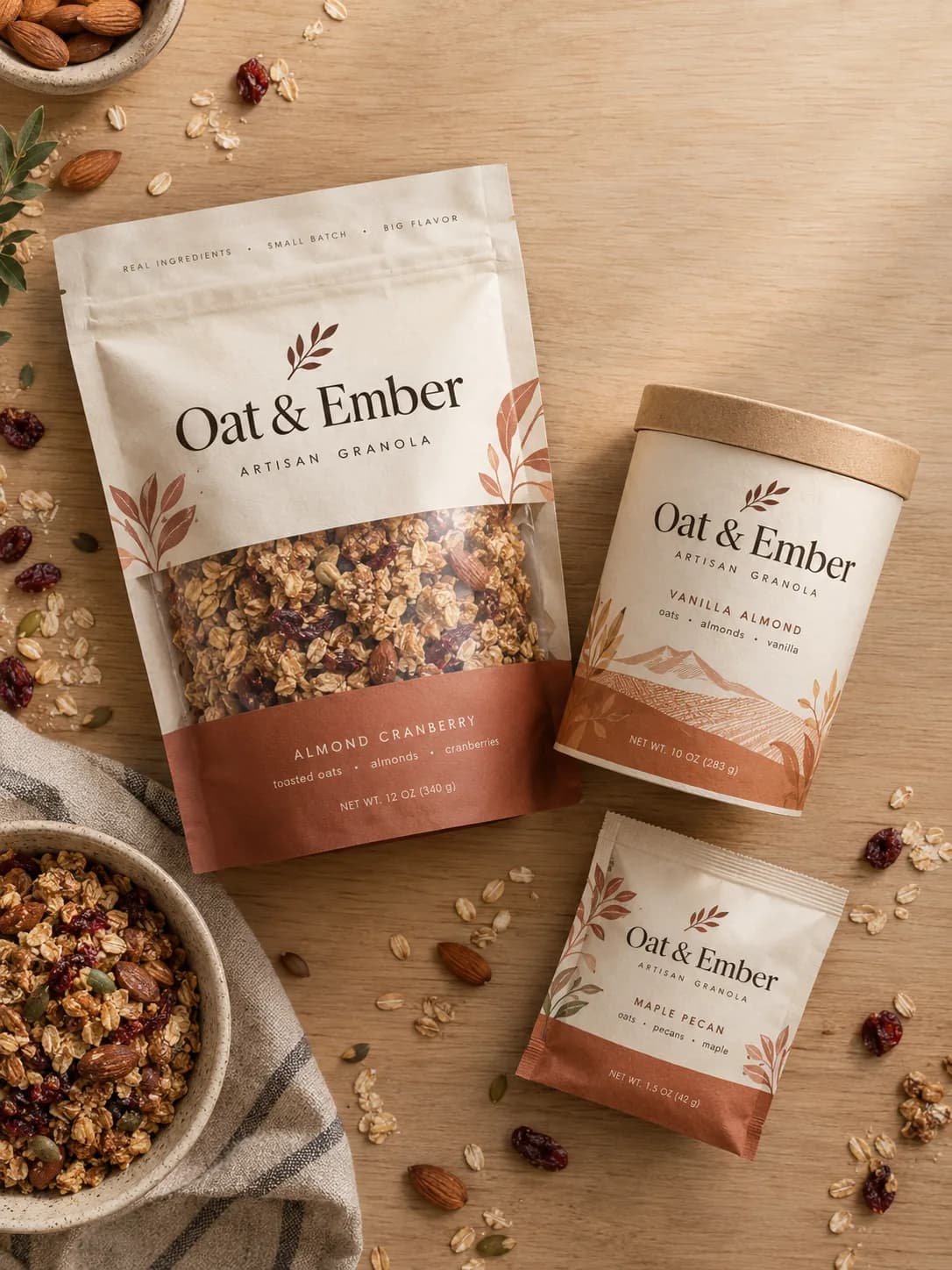
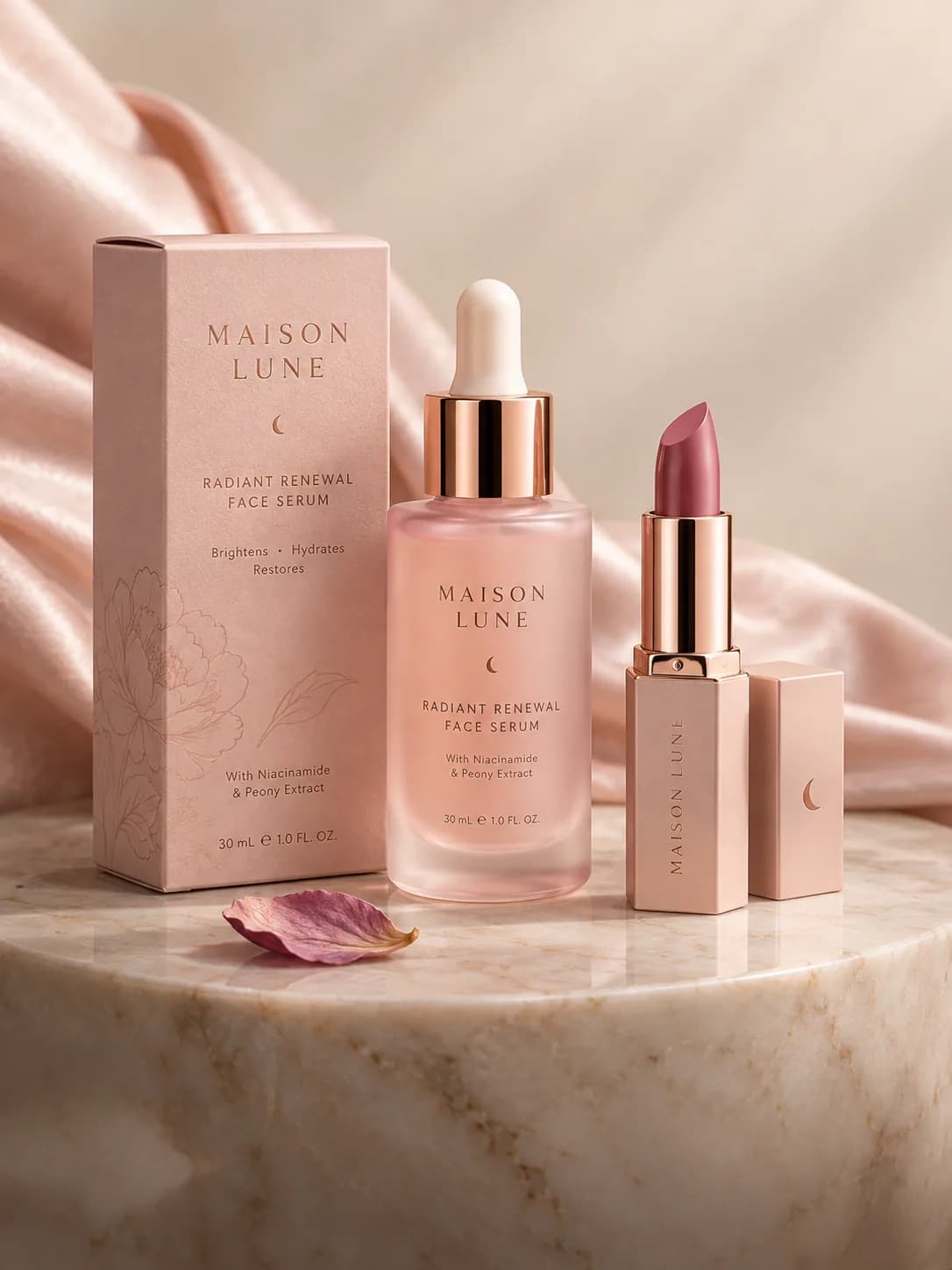
We're always-on to deliver the
packaging you want, when you need it
High-resolution renders (5000px+)
Multiple backgrounds and angles
Transparent PNG cutouts
Print-formatted files for catalogues
Amazon and ecommerce optimised images
Packaging Mockups: The Complete Guide
A complete reference for brand managers, designers, and marketers making packaging decisions.
The Basics
What packaging mockups are for
A packaging mockup shows a design on a realistic version of the finished pack before anything is printed. It can be a quick flat composite for an internal review, or a detailed 3D render used on a website, a sales deck or a marketplace listing.
Mockups do two different jobs, and it helps to know which one you need. Some are decision tools: they show how a design behaves on the real shape, so you can approve it with confidence. Others are sales tools: they stand in for product photography before stock exists. The first needs accuracy. The second needs polish as well.
Mockups help other people too. Buyers, investors and your own sales team can judge a product far more easily from a realistic pack image than from a flat dieline.
Approve what you'll actually get
The challengeFlat artwork hides problems. A claim that crosses a fold, a logo lost in a gusset or a colour that looks different on foil only shows up on the shape.
Our approachWe build mockups from the real dieline and dimensions, so what you approve matches the structure your printer will produce.
Selling before stock exists
The challengePre-orders, retailer pitches and crowdfunding pages need convincing images long before the first production run.
Our approachWe create renders with realistic materials, lighting and scenes, and keep them faithful to the specified finishes so the images don't overpromise.
Design Decisions
Choosing the right kind of mockup
The right mockup depends on who will see it and what decision it supports.
- Flat composites. Artwork placed on a photographed or template pack with shadows and perspective. Quick and inexpensive, fine for early concept reviews.
- 3D models and renders. A digital model of the actual pack, lit and rendered from any angle. More work up front, but you can produce many views, scenes and variants from the same model.
- Shelf and context scenes. Your pack placed on a shelf next to competitors, in a kitchen or bathroom, or in a hand. Useful for judging stand-out and for marketing.
- Marketplace images. Main images on a plain background plus secondary images showing features and use. Each marketplace sets its own image rules, so check the current requirements before you plan the set.
- Animations. Short spins or opening sequences for product pages and social posts, built from the same 3D model.
Think about consistency across a set. If images are made at different times or by different people, lighting, angles and colour drift, and a product page ends up looking patched together. One model, one lighting set-up and a written list of camera angles keep every future image matching.
Accuracy matters most when mockups are used to sell. Showing finishes, colours or contents that the real product won't have can mislead buyers and may break advertising or marketplace rules. If the pack is still being specified, label images as concepts, and update them once the production samples arrive.
The difference between a convincing render and an obvious fake is usually in the materials: how foil catches light, how kraft paper looks slightly rough, how a soft-touch finish scatters reflections. Tell us the exact substrate and finishes, and send physical samples or photos if you have them. Even a phone photo of a printed sample helps.
The Process
How we produce packaging mockups
A good mockup starts with correct technical information rather than a nice background.
Purpose and shot list
We agree what the images are for, which angles and scenes you need, and the sizes and formats for each channel. A clear shot list keeps the project focused.
Technical inputs
Dieline or dimensions, final or near-final artwork, substrate and finish details, and reference photos of any components such as caps or pumps.
Model and materials
We build the pack model, apply the artwork and set up materials to match the specified finishes, then share draft views for you to check shape and layout. Small corrections are much easier now than after final lighting.
Scenes and lighting
Final angles, backgrounds and lighting set for each use, from plain-background product shots to styled context scenes.
Delivery and updates
Images delivered at the agreed sizes. Because the model is kept, new flavours or design changes can be rendered later without starting again. Files are named by SKU and angle so they're easy to find later.
Costs and Pitfalls
Mockup mistakes, cost drivers and alternatives
Rendering the wrong structure
Using a generic box or bottle instead of your actual dimensions. The images look fine until the real product arrives and doesn't match.
Finishes you haven't paid for
Showing foil or embossing that was cut from the final specification. Customers notice, and reviews will mention it.
Rendering unfinished artwork
Producing a full image set from artwork that's still changing means re-rendering everything after each revision. Lock the artwork first.
Ignoring channel rules
Marketplace main images often have strict background and framing rules. A lovely lifestyle shot can be rejected as a main image.
What you pay for mockups depends on how many images you need and how complex they are:
- Pack complexity. A simple carton takes far less modelling than a shaped bottle with a pump, a pouch with gussets or a gift box with an insert.
- Number of views and scenes. Each extra angle or styled scene adds set-up and render time.
- Variants. Once a model exists, extra flavours or colours are relatively quick, but each still needs artwork swaps and checks.
- Materials. Glass, liquids, metallics and transparent films take more work to render convincingly.
- Animation. Moving sequences take considerably longer than still images.
Mockups aren't always the right tool. Once production stock exists, real product photography shows texture and colour exactly as they are. For a quick internal concept review, a simple flat composite is usually enough. And if you need to feel the pack in your hand, a printed physical prototype from your printer tells you things no image can. Many brands use both: renders for launch and photography once stock lands, matched in angle so the switch is barely noticeable.
Got Any Questions?


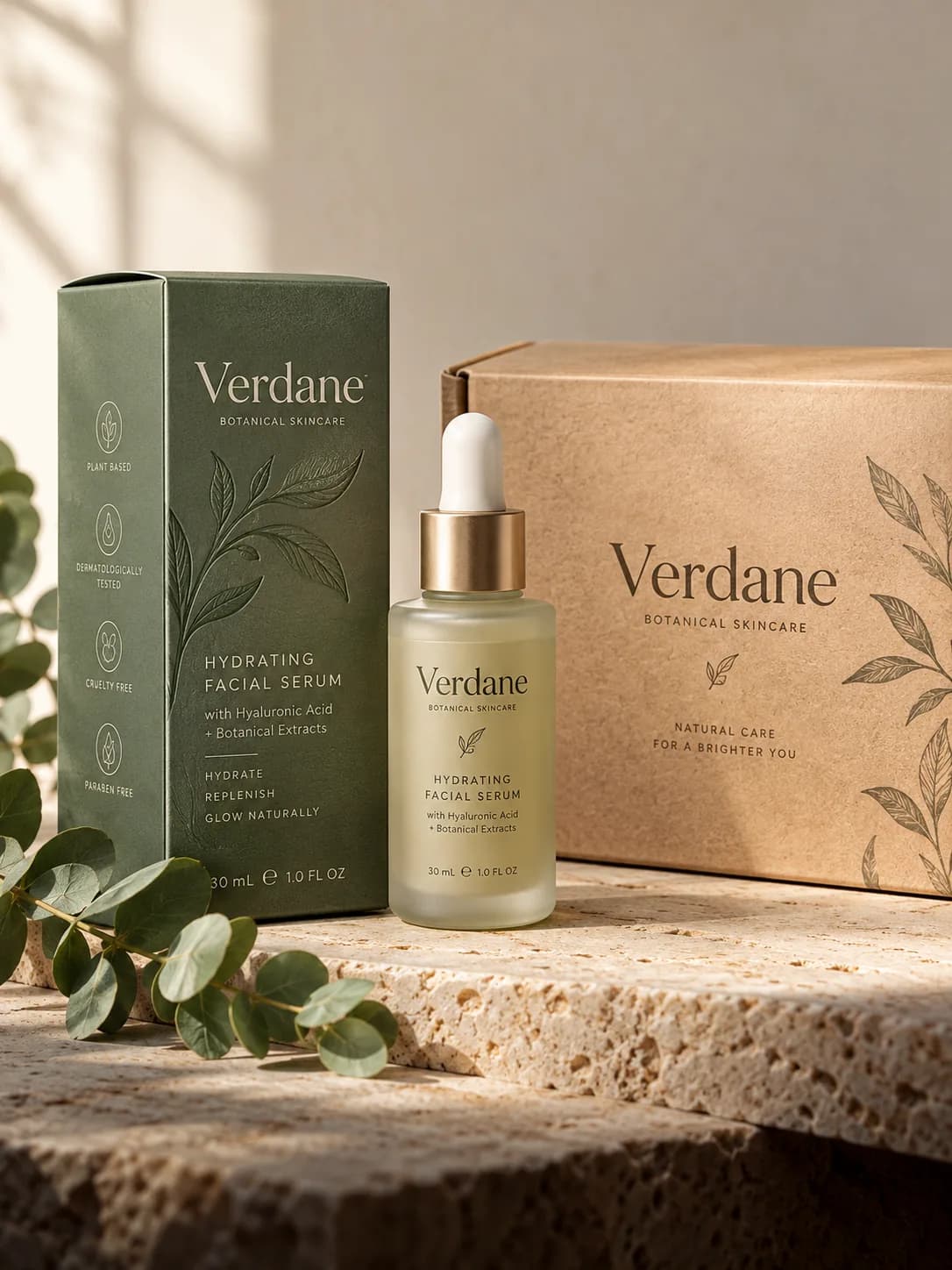
Your packaging deserves
better than “good enough.”
Book a free 15-minute call and we'll scope your packaging together — or send us a message to get started.